
Device inventory
Review operating system, hardware, network, agent, group, tag, and technical records.
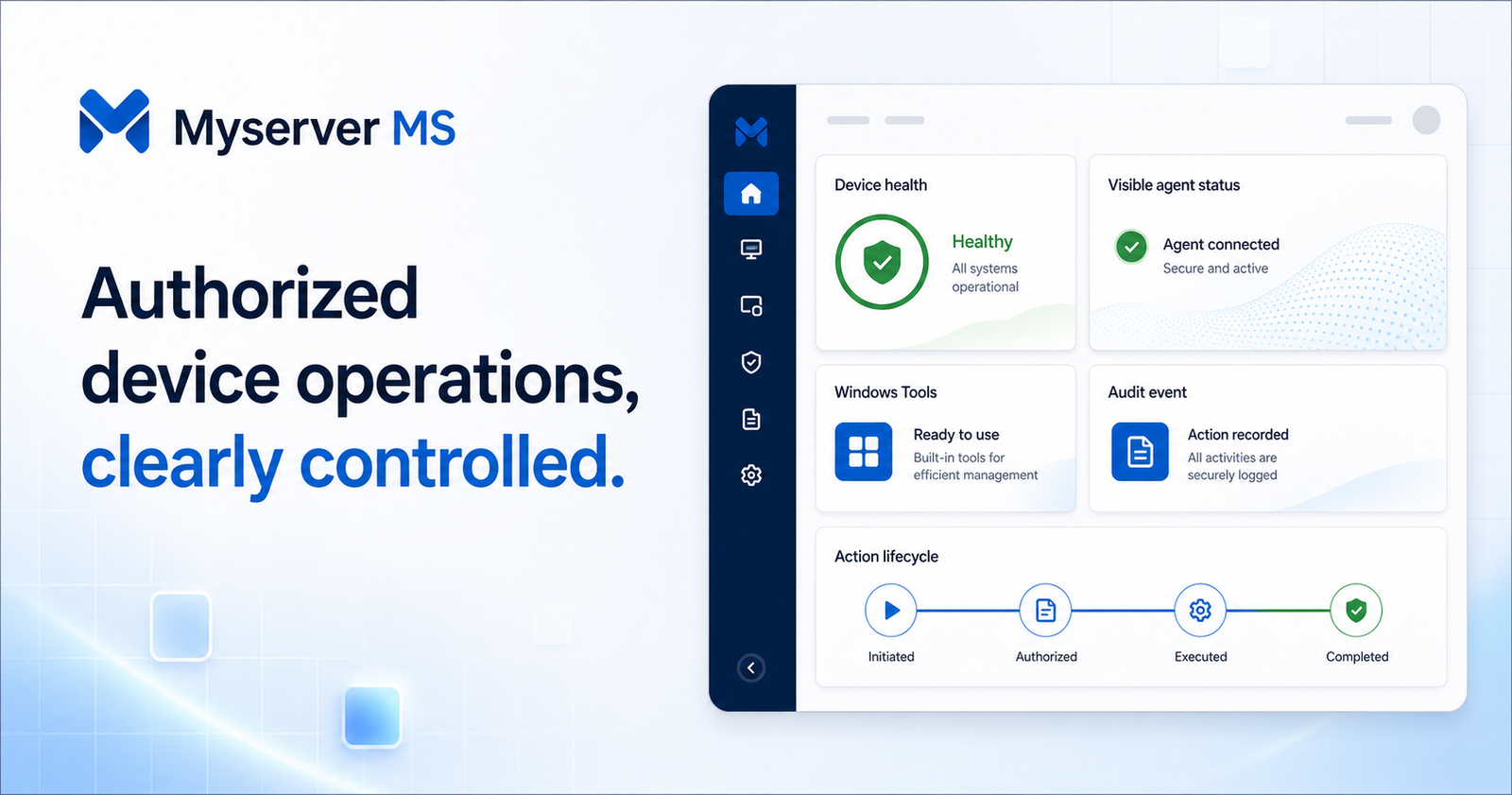
Every capability connects to a real application workflow. Fresh installations remain free of demonstration devices until authorized enrollment occurs.
Review operating system, hardware, network, agent, group, tag, and technical records.

Calculate presence only from authenticated heartbeats and the configured timeout.

Follow CPU, memory, storage, uptime, security posture, and update information.

Request 19 fixed locally resolved tools with availability and privilege controls.

Coordinate visible provider sessions according to role, policy, consent, and audit rules.

Search operator identity, action states, session history, settings changes, and results.

Organize devices and apply remote support, tool, notification, and retention controls.

Approve accounts and assign plan, dashboard mode, group access, and permissions.

Use expiring tokens, a visible installer, hash verification, rotation, and revocation.
Export operational device, session, security, script, file, and error records.

Configure online, offline, security, storage, update, session, and policy alerts.

Connect approved services through controlled configuration and readiness checks.
Connect and Disconnect control management sessions; they never falsify device presence. Presence comes only from the enrolled agent heartbeat.
Create an authorized organization account for review.
An administrator assigns role, plan, dashboard, and groups.
Create a time-limited, policy-scoped enrollment token.
Install on an owned or explicitly authorized device.
Receive heartbeat, health, inventory, security, and event data.
Start policy-approved workflows and retain every operator action.
Service-ready: interactive support is available only after an approved service is configured.
Consent-aware: the device user must approve when organizational policy requires it.
Reversible: administrators can revoke device access and the visible agent can be uninstalled.
Myserver MS separates account approval, device enrollment, support permission, and activity review so organizations stay in control without publishing private infrastructure details.
Myserver MS does not claim certifications without evidence. These application safeguards support—but do not replace—your organization’s security and compliance program.
Select a plan, apply an eligible discount, and complete payment on the secure hosted crypto invoice.
1–2 Devices
USD per month
A focused start for a small authorized device set.
Your final amount is shown before you leave for the hosted invoice. Myserver MS never asks for wallet seed phrases or private keys.
Clear answers about authorized operation, privacy, monthly plans, and secure checkout.
Myserver MS is a web-based operations center for authorized device enrollment, heartbeat monitoring, Windows administration workflows, remote-provider coordination, and audit history.
The platform focuses on enrolled Windows devices and can represent other explicitly authorized systems with a supported visible agent.
Yes. Install the visible agent only on company-owned or explicitly authorized devices using a time-limited enrollment token.
Presence comes from authenticated agent heartbeats and the configured timeout. Connect and Disconnect do not change presence.
Myserver MS coordinates remote support through a separately configured provider, subject to permissions, policy, and consent.
New accounts remain pending until an administrator assigns the appropriate role, plan, dashboard mode, and group access.
Yes. Administrators can revoke its credential, and the visible-agent workflow includes clean uninstall instructions.
Each plan includes an approval-based account, role-scoped dashboard, and audited device workflows.
Choose a plan, apply an eligible discount, review the final USD total, and continue to the hosted invoice.
Choose a package, select Join Now, confirm the final amount and privacy notice, then complete the secure hosted invoice.
Tell us about your fleet and required workflow. Your request is stored only for authorized review and the stated support purpose.
1–2 devices • $0/month